Do you ever get stuck in a Wikipedia rabbit hole? Where you open an article and then tap a link and then tap another and before you know it, you’ve lost track of where you even started and where you’re going next? Well I do. All the time. So I built Tangents.
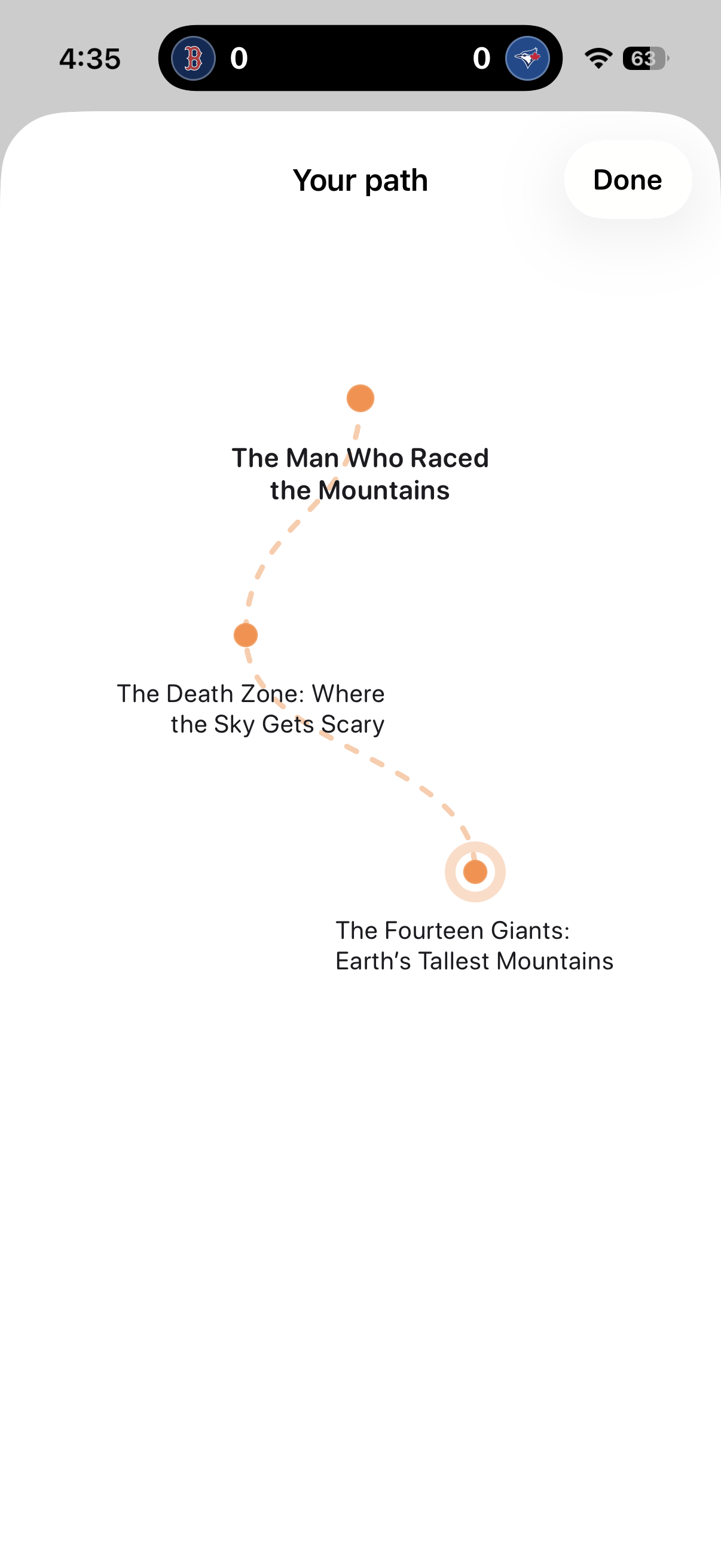
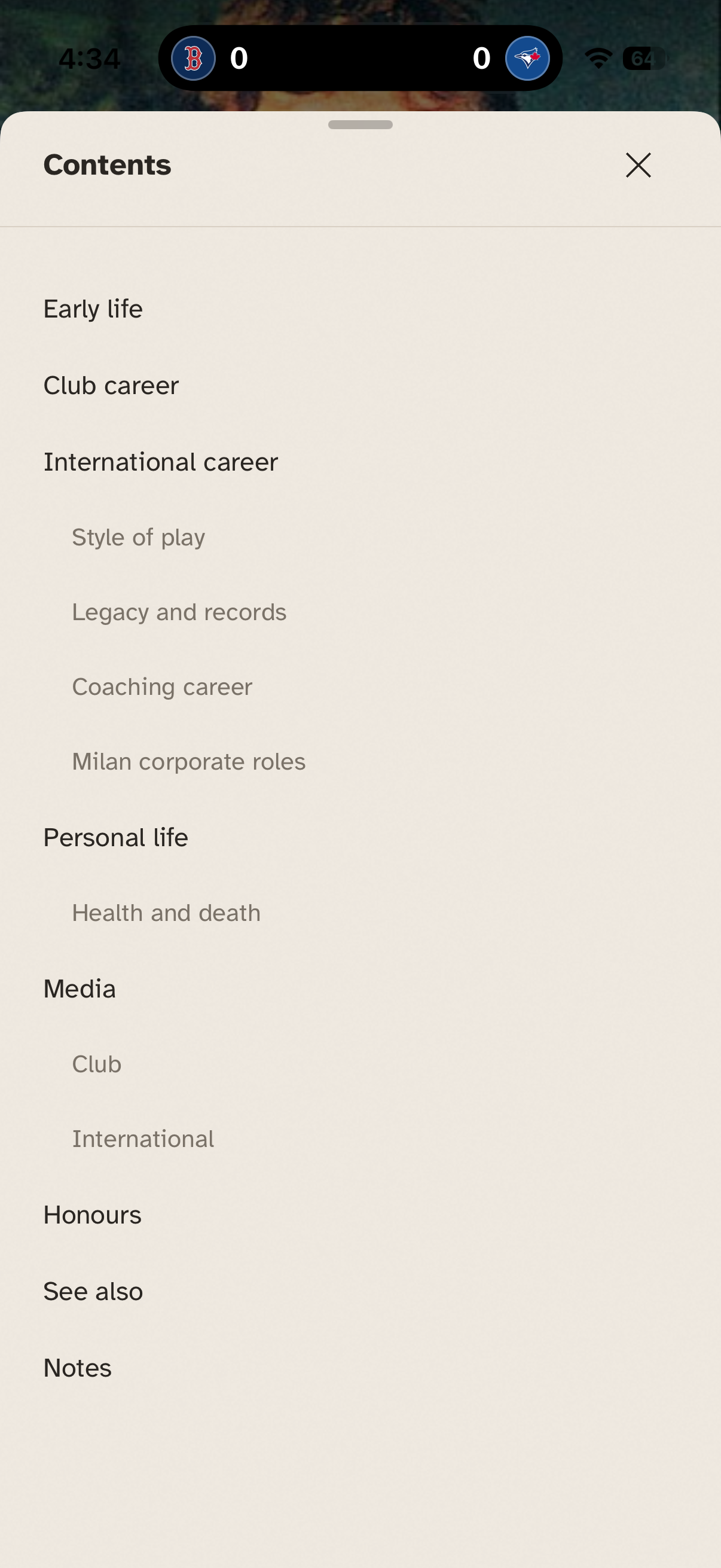
The app gives you a fact every day. These are generated in my backend and can be scheduled in advance, often based on TILs I’ve seen on Reddit recently or something currently happening in the world. Tap into it to read the article. Tap a link in the article and it shows you a quick preview and allows you to add it to your daily tangent without opening it right away. When you’re done with the first article, tap continue to see your tangent mapped out and jump to any article.
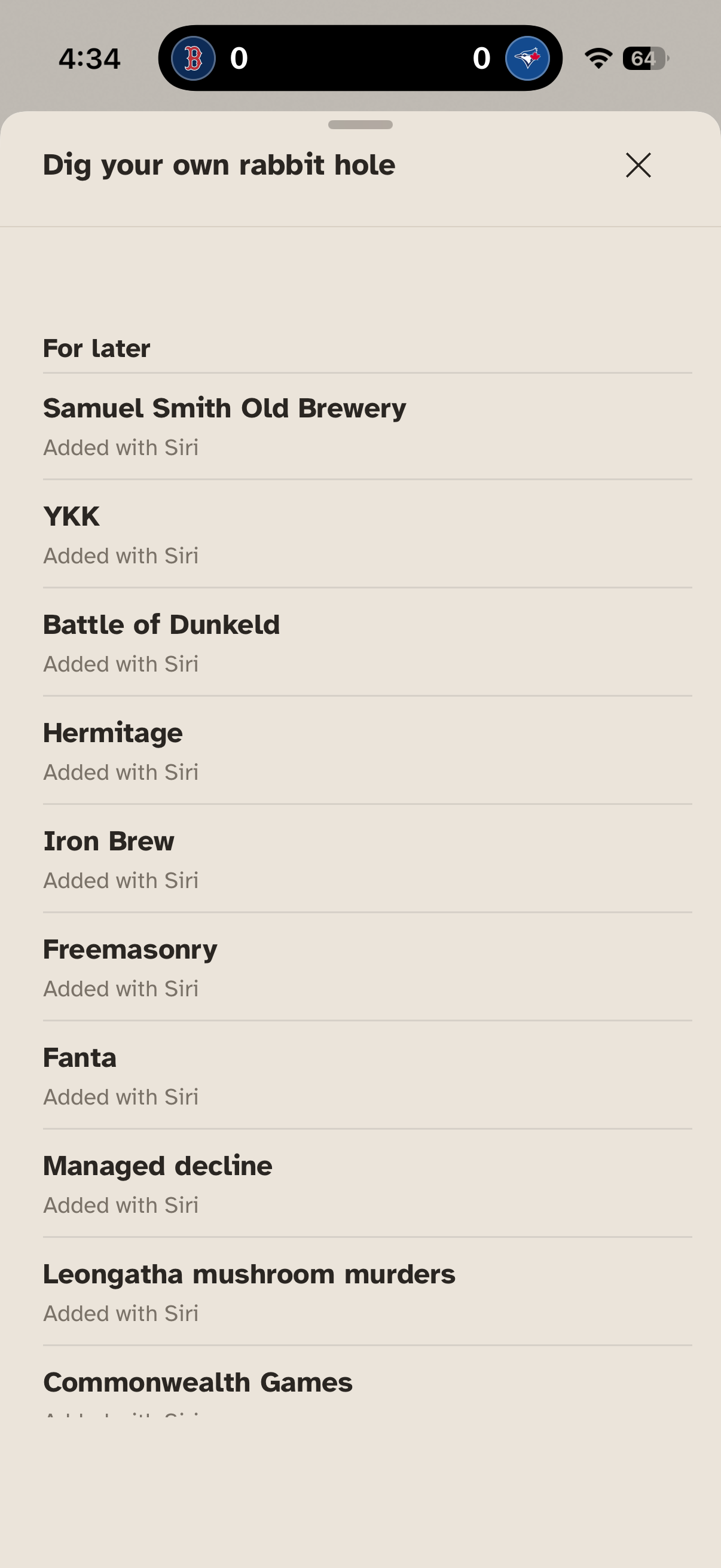
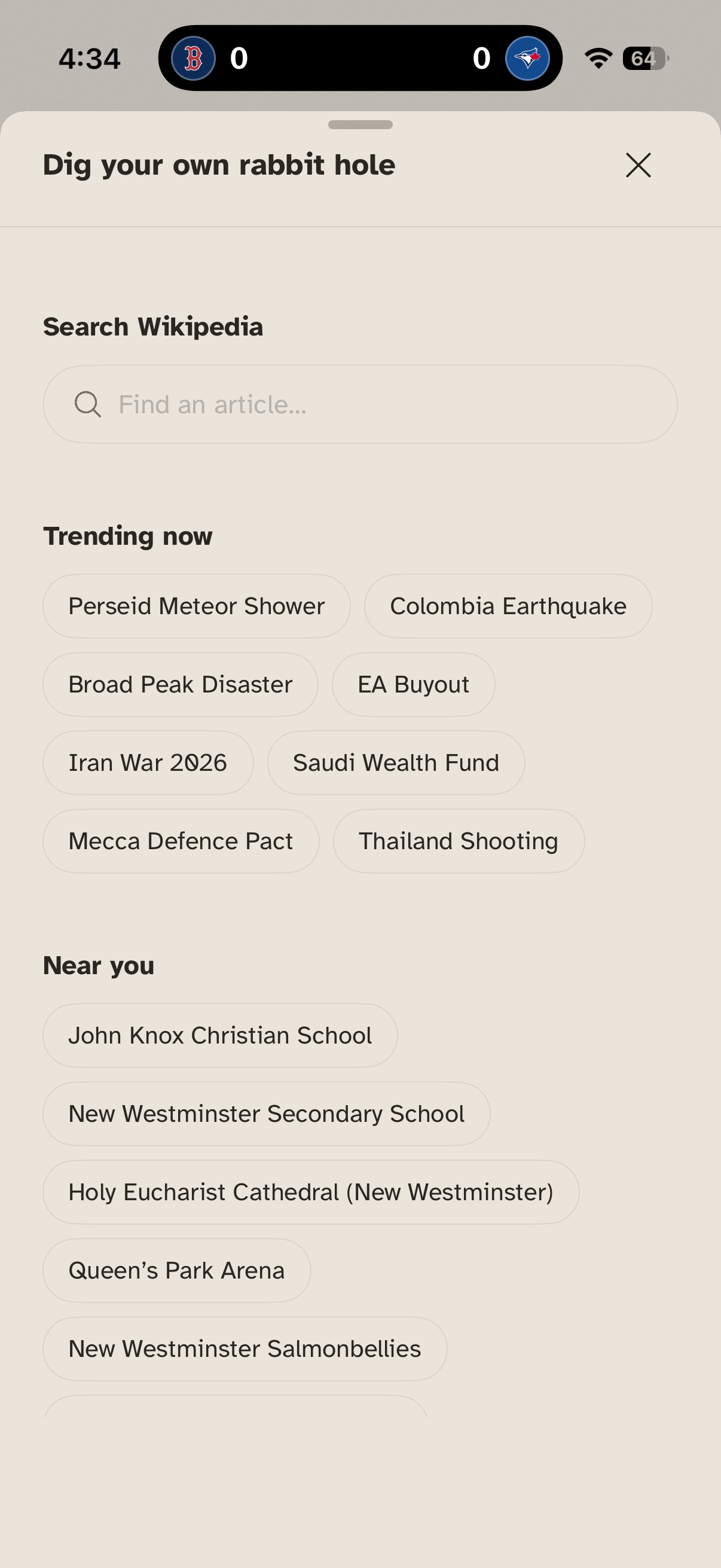
Besides that, you can add rabbit holes of your own. Search for an article to start a new tangent. Or open a trending one. Or one based on what’s going on in your calendar or where you are. Ask Siri to add something you’ve been thinking about all day. Or use the Safari shortcut. Point is, dig your own rabbit hole as deep as you’d like and keep coming back for more.
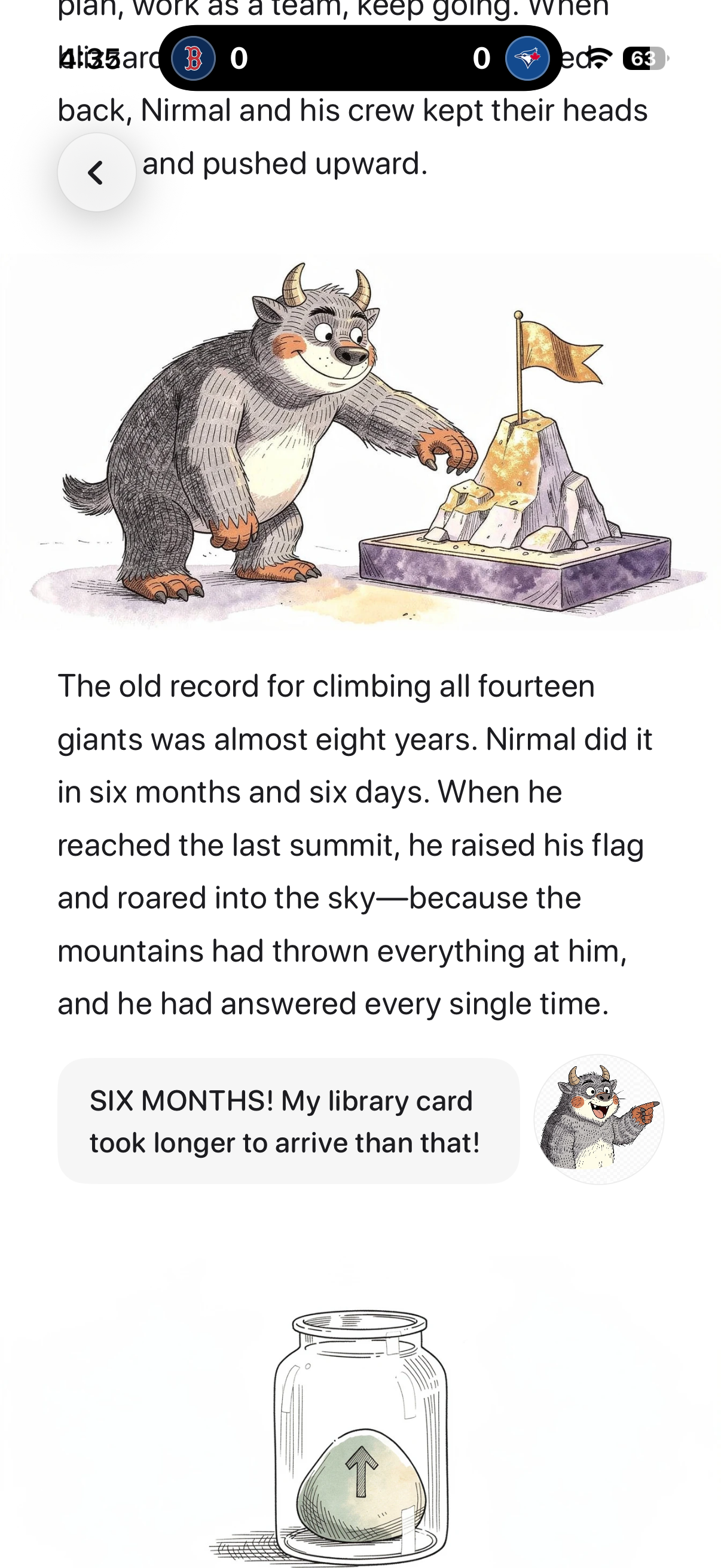
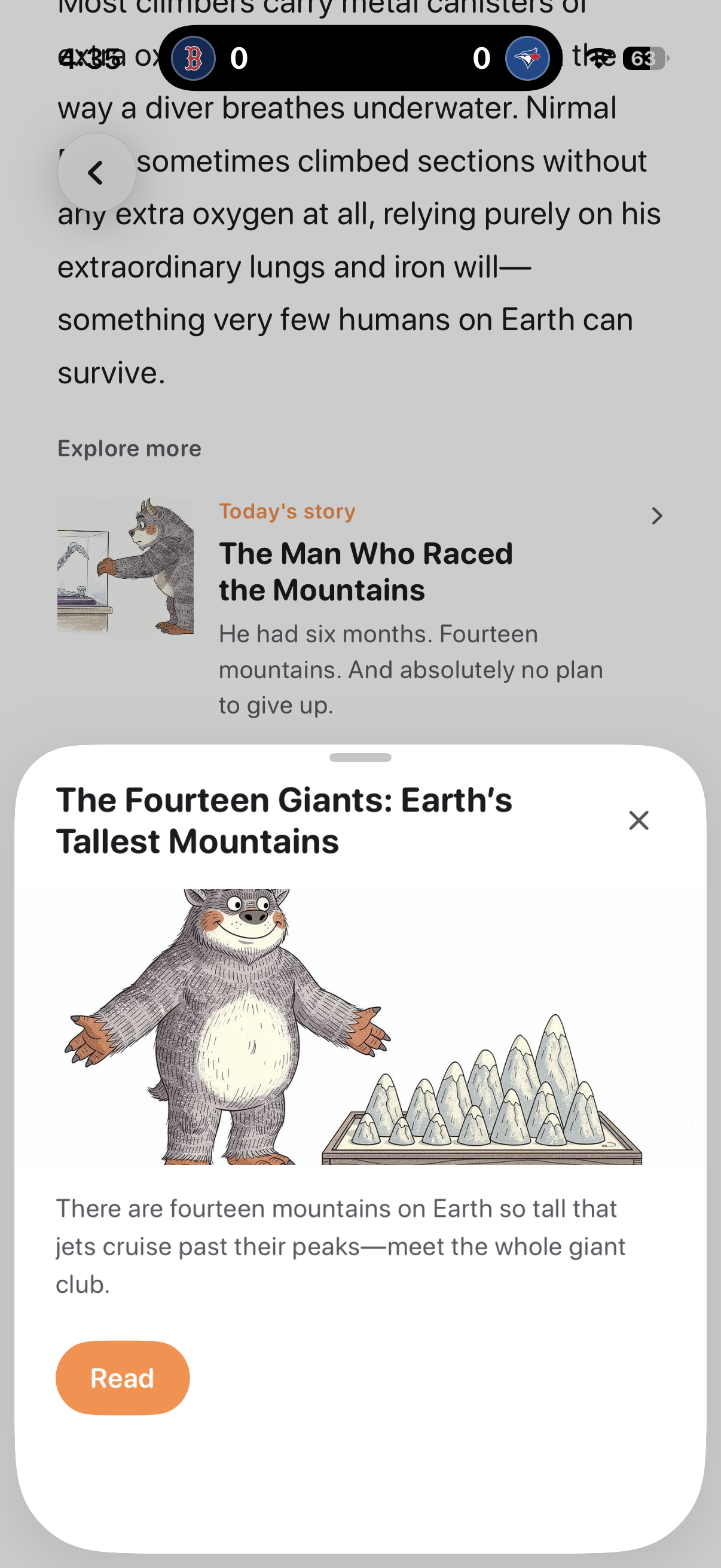
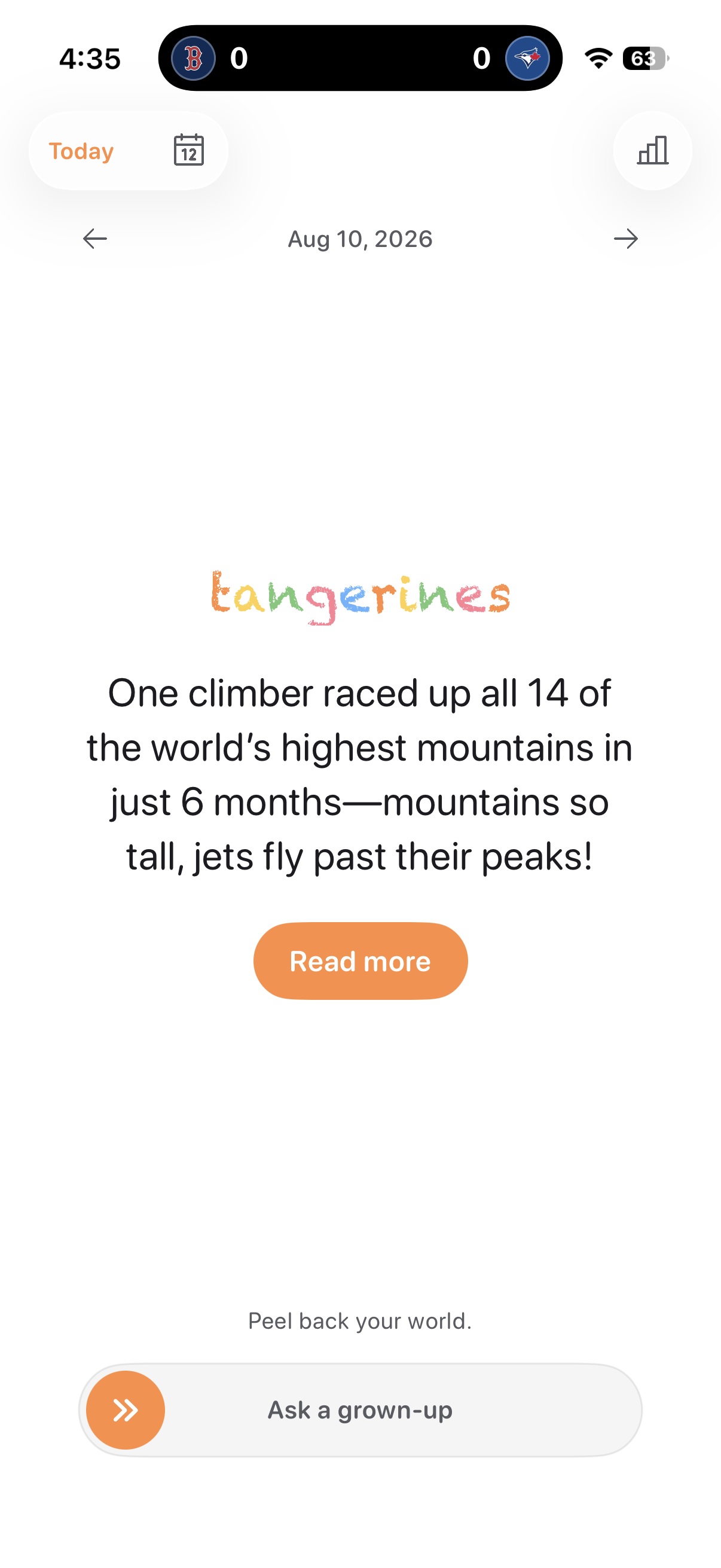
Of course, while I was building this and testing it out, my 7-year-old nephew was looking over my shoulder. He wanted to dig into today’s rabbit hole, but it was a bit of an odd topic for a 7-year-old. So Tangerines was born. A mode within the app that’s child friendly. When I schedule daily tangents, I now also scheduled related Tangerines.
Tangerines use a character I named Peel, who walks readers through the topic, which is rewritten for a 5–12-year-old audience, with accompanying anecdotes from Peel.
Try it out on TestFlight.